




WordPress powers well over a quarter of all CMS-driven websites, way more than any other platform on the internet. While it’s great to have such an immense community of users, this also makes the platform a bit of a high-yield target for attackers. Usually, WordPress websites are attacked by bots and exploited for purposes like data theft, spamming, and the like. mainly because one identified vulnerability can bring down thousands of websites at once.
But as with everything else, WordPress security is as good as you make it. The platform isn’t exactly unsafe to begin with, but that does not mean you shouldn’t go the extra mile and beef up your website security as much as possible.
10 Top Security Plugins for WordPress Websites
Here are 10 of the best security plugins that you absolutely need to harden security on your WordPress site:
1. Wordfence Security

- Active installations: 5 million+
- Rating: 4.7/5
- Pricing model: Freemium
Wordfence Security stands out as one of the top security plugins for WordPress, providing an endpoint web application firewall and a robust malware scanner. Additionally, it offers essential tools such as login security, live traffic monitoring, two-factor authentication, CAPTCHA, and login-attempt limits.
Its malware scanner checks WordPress core files, plugins, and themes. Wordfence can compare certain files with their official versions in the WordPress.org repository, identify changes, and offer repair options for supported files. Its scanner also looks for backdoors, malicious redirects, SEO spam, code injections, and known software vulnerabilities.
In the free version, new firewall rules and malware signatures are delivered after a 30-day delay. Wordfence Premium includes real-time firewall and signature updates, a real-time IP blocklist, country blocking, more frequent scans, and paid support. Two-factor authentication and login CAPTCHA are already included in the free version.
2. All-In-One Security (AIOS) – Security and Firewall

- Active installations: 1 million+
- Rating: 4.7/5
- Pricing model: Freemium
Previously known as All in One WP Security & Firewall, this tool has earned its reputation among the top security plugins for WordPress. Today, it is officially named All-In-One Security (AIOS) – Security and Firewall.
Its free version provides login protection, login-attempt limits, two-factor authentication, session management, file-change scanning, file-permission checks, audit logs, spam protection, and both PHP- and .htaccess-based firewall features.
AIOS can also help block specific IP addresses or user agents, prevent user enumeration, disable the dashboard file editor, and implement 6G Firewall rules.
Features such as automated malware scanning, country blocking, uptime monitoring, smart 404 blocking, and some advanced 2FA capabilities are available through AIOS Premium.
3. Kadence Security
- Active installations: 700,000+
- Rating: 4.6/5
- Pricing model: Freemium
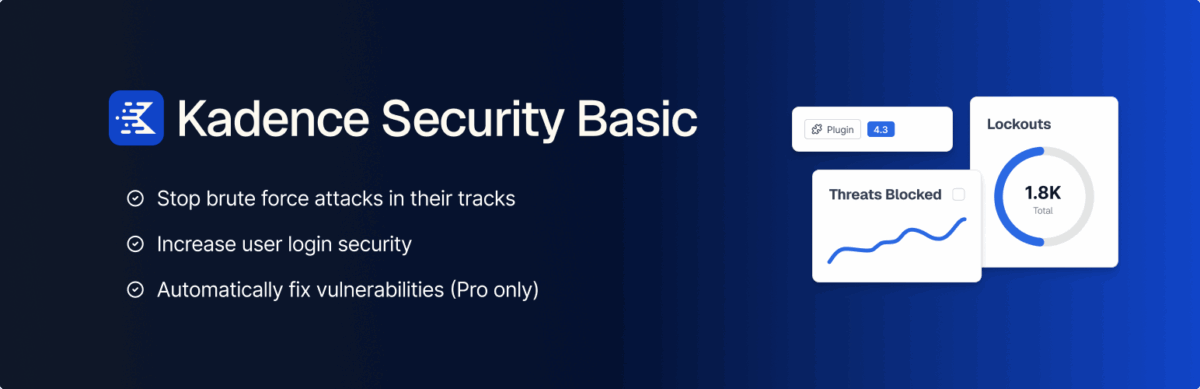
Kadence Security is the current name of the plugin formerly known as iThemes Security and, later, Solid Security. Despite the name changes, it consistently ranks among the best WordPress security plugins for protecting login pages and fixing vulnerabilities.
Its free version includes two-factor authentication, password requirements, local and network-based brute-force protection, user blocking, file-change detection, database backups, login URL hiding, and a site scanner that checks for known vulnerabilities.
The Pro version adds reCAPTCHA, passwordless login, trusted devices, temporary privilege escalation, user logging, and Patchstack integration for virtually patching certain vulnerabilities.
4. Sucuri Security
- Active installations: 600,000+
- Rating: 4.2/5
- Pricing model: Free plugin with a paid firewall service
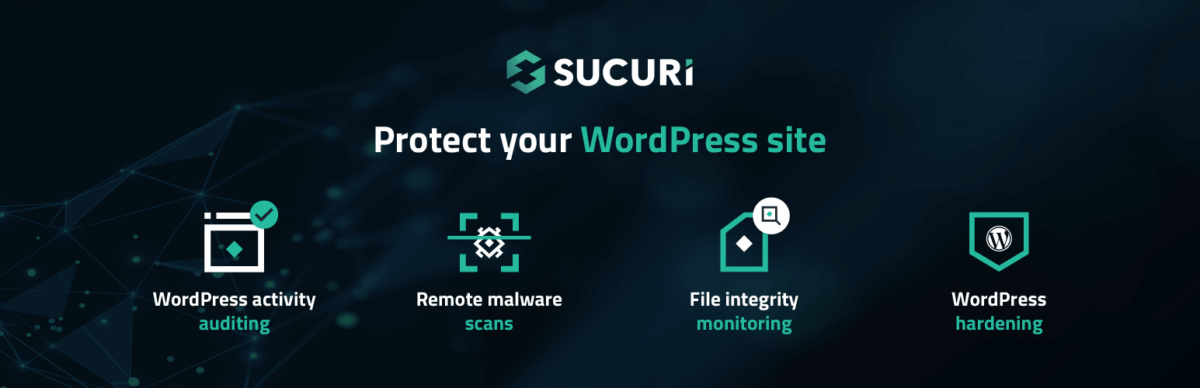
Widely regarded as one of the best WordPress security plugins, this tool delivers comprehensive protection for website owners. The plugin’s official name is Sucuri Security – Auditing, Malware Scanner and Security Hardening.
Its free features include security activity auditing, file-integrity monitoring, remote malware scanning through SiteCheck, blocklist monitoring, security hardening, notifications, and post-hack security actions. Its recent versions also support two-factor authentication and include an option to disable XML-RPC.
Sucuri’s blocklist monitoring checks several services, including Google Safe Browsing, Norton, AVG, PhishTank, ESET, McAfee SiteAdvisor, Yandex, Spamhaus, Bitdefender, and Sucuri Labs.
5. WP Activity Log
- Active installations: 300,000+
- Rating: 4.7/5
- Pricing model: Freemium
WP Activity Log is neither a firewall nor a malware scanner. It is a monitoring tool that records user activity and important changes made to a WordPress website.
The plugin can record logins, logouts, failed login attempts, password or role changes, new user accounts, WordPress core updates, plugin activations, theme changes, settings modifications, content edits, and certain file changes. Each log entry can include the time of the event, the user responsible, their role, their IP address, and the affected object.
The free version does not limit the types of events recorded. The Premium version adds advanced search and filtering, HTML or CSV reports, user session management, email, SMS, or Slack notifications, and the ability to store or mirror logs on external services.
6. MalCare WordPress Security Plugin
- Active installations: 200,000+
- Rating: 4.4/5
- Pricing model: Freemium
MalCare offers cloud-based malware scanning, a firewall, and login-page protection. Its scanning processes are handled through MalCare’s servers, meaning that most of the work is not performed directly on the user’s WordPress server.
Its free version includes cloud-based malware scanning, vulnerability scanning, a plugin-based web application firewall, and CAPTCHA to help protect login pages against bots and brute-force attacks.
Users need a paid plan to view detailed information about infected files, perform one-click malware cleanup, use site-hardening features, enable geo-blocking and uptime monitoring, and receive direct support.
7. Jetpack Protect

- Active installations: 100,000+
- Rating: 4.7/5
- Pricing model: Freemium
Jetpack Protect is developed by Automattic and uses the WPScan vulnerability database to check the installed versions of WordPress core, plugins, and themes.
Its free version performs daily vulnerability scans and alerts users when it discovers installed software with a known vulnerability. The plugin also provides protection against brute-force attacks.
Daily malware scanning, one-click fixes, instant threat notifications, and the Web Application Firewall require a paid upgrade. Jetpack Protect is not intended to be a complete cleanup tool for websites that were already infected before the plugin was activated.
8. Anti-Malware Security and Brute-Force Firewall

- Active installations: 100,000+
- Rating: 4.9/5
- Pricing model: Free, with additional features available through registration and premium support
Anti-Malware Security and Brute-Force Firewall focuses on scanning website files and databases for malware, backdoors, and code injections recognized by its threat definitions.
The plugin can download definition updates, perform complete scans, remove known threats, and place affected files in quarantine. It also lists protection against certain legacy plugin exploits, including specific Revolution Slider vulnerabilities, as well as handling vulnerable versions of TimThumb.
You must register your websites with GOTMLS.net to obtain the latest threat definitions and access certain automatic removal features. Its official documentation also lists WordPress core integrity checks and patches for wp-login.php and XML-RPC as premium features.
9. Patchstack
- Active installations: 40,000+
- Rating: 4.9/5
- Pricing model: Freemium
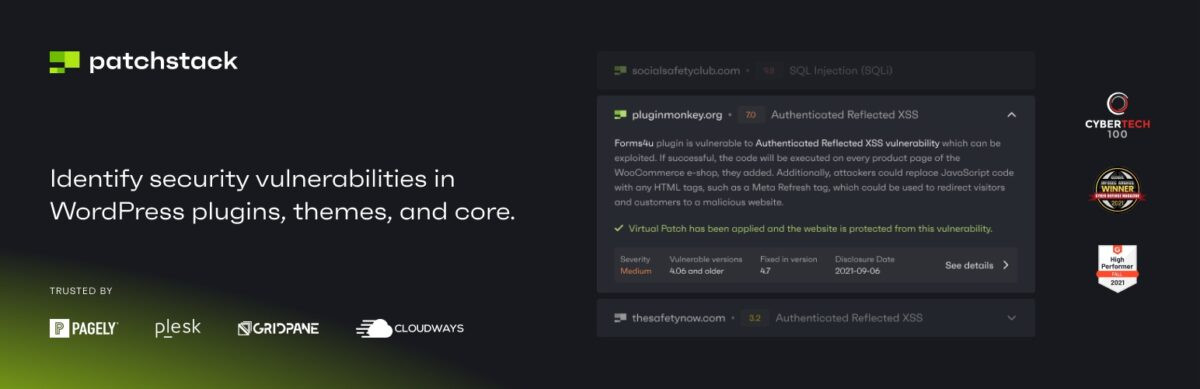
Patchstack focuses on detecting vulnerabilities in WordPress core, plugins, and themes. Its free version can notify users when installed software contains a known vulnerability, help manage updates, and create snapshot reports about a website’s security condition.
It is important to note that the free version of Patchstack does not include a firewall. Its main function is to detect known vulnerabilities and notify users so they can update the affected software or apply another mitigation.
Its paid plans provide virtual patching, also called vPatching. This system applies protection rules that block attempts to exploit known vulnerabilities without changing the vulnerable plugin or theme’s code. Paid plans also include security hardening, two-factor authentication, CAPTCHA, a community IP blocklist, custom firewall rules, and scheduled reports.
10. BulletProof Security
- Active installations: 20,000+
- Rating: 4.8/5
- Pricing model: Free with a Pro version
BulletProof Security provides a malware scanner, an .htaccess-based firewall, login monitoring, idle-session logout, authentication-cookie expiration settings, and manual or scheduled database backups.
The plugin also includes security logging, HTTP error logging, a database table prefix changer, and a maintenance mode. Its Pro version adds features such as file monitoring, intrusion detection and prevention, quarantine, custom php.ini configuration, database monitoring, and 16 additional tools.
Endnote
Make sure to choose the perfect plugin for your WordPress website and set up a routine of security scans in order to stay safe. Gather information on ways to harden WordPress Security and keep pace with platform updates.
It’s your digital real-estate. Take a proactive stance with website security. Take a proactive stance with website security. If you need professional assistance, explore the successful web solutions built by Tonjoo.
Last Updated on July 15, 2026 by Taufiq Prasetya Pradana
