


Advertisements
Install Self Hosted WordPress – WordPress Self Hosting is a free CMS that is used to create a Website Blog easily. WordPress self hosting can be downloaded at http://wordpress.org. To use WordPress Self Hosting …
Make reaction button on WordPress – For bloggers to rate a reacted content on the sites other than by utilizing the comments features postings, can also utilize Emoticons reactions in response to feedback from …
Favicon logo in WordPress – Favicon is an icon/logo that will appear in the browser tab when visitors access your website. By using a favicon then that your website has a unique trademark identity …
Advertisements
Make Read More on WordPress – Most Bloggers WordPress beginners have the look clean and interesting content is very important, one of them makes the feature “Read More” for each blog post. With the …
Sticky Widget in WordPress – Sticky Widget could be interpreted as something that would display the widget constantly. When you scroll the mouse up and down sticky widgets will follow. Sticky widgets are used …
When you visit a website and scroll down to read the information, you might notice a feature at the bottom of the page: an upward arrow button. This is called a scroll to top …
Advertisements
What is widget on WordPress? A WordPress widget is a small block which performs a specific purpose. You can add also known these widgets in the areas framed as widget-ready on your Web page. …
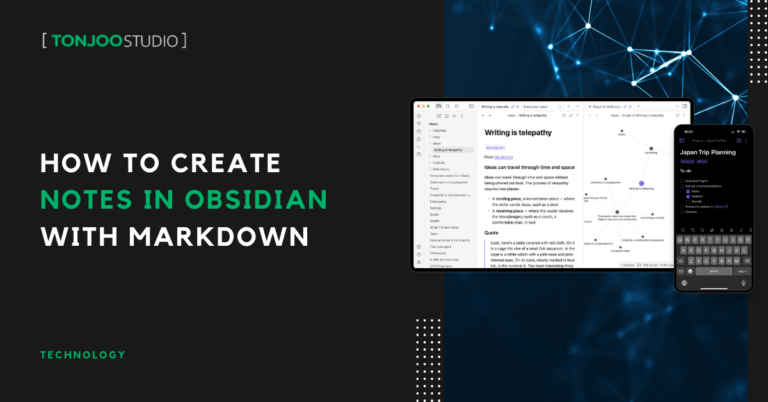
For software developers, knowing how to create notes in Obsidian is essential for keeping documentation well-organized, especially when recording solutions to specific software development problems. Moreover, professionals in other fields can also leverage Obsidian …
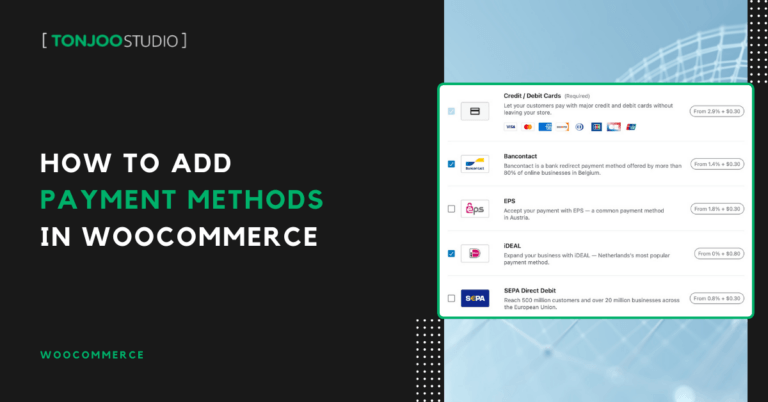
Adding payment methods in WooCommerce for your WordPress site is quite straightforward, whether you’re setting up bank transfers or a Cash on Delivery (COD) system. These payment options will be available for customers when …
Properly configuring taxes in WordPress with WooCommerce is crucial, as it directly affects your profit margins and helps you meet your business’s necessary tax obligations. For those who have just installed WooCommerce on WordPress …
Advertisements

